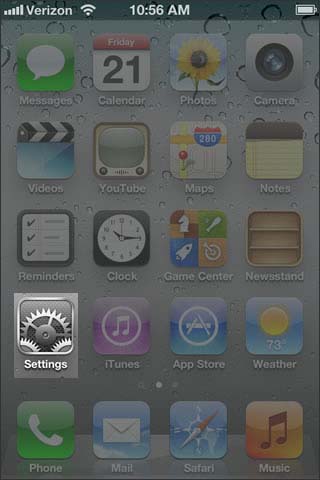
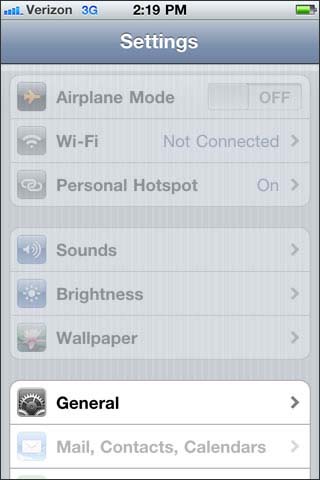
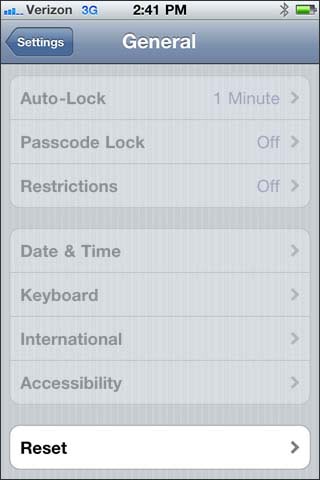
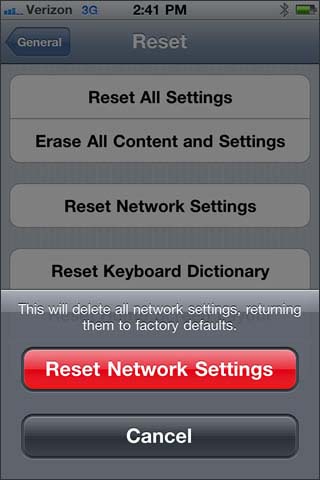
Follow Reset Network Settings to Resolve Hotspot Issues April 24, 2014 10:50 Ask A Question or Find An Answer Iphone Tips & Tricks Iphone How To Reset Network Settings - Apple® iPhone® 4 From the home screen, select Settings. Select General. Select Reset. Select Reset Network Settings. Select Reset Network Settings. 0 Comments Article is closed for comments.

0 Comments