Swipe From Center-To-Down For Search
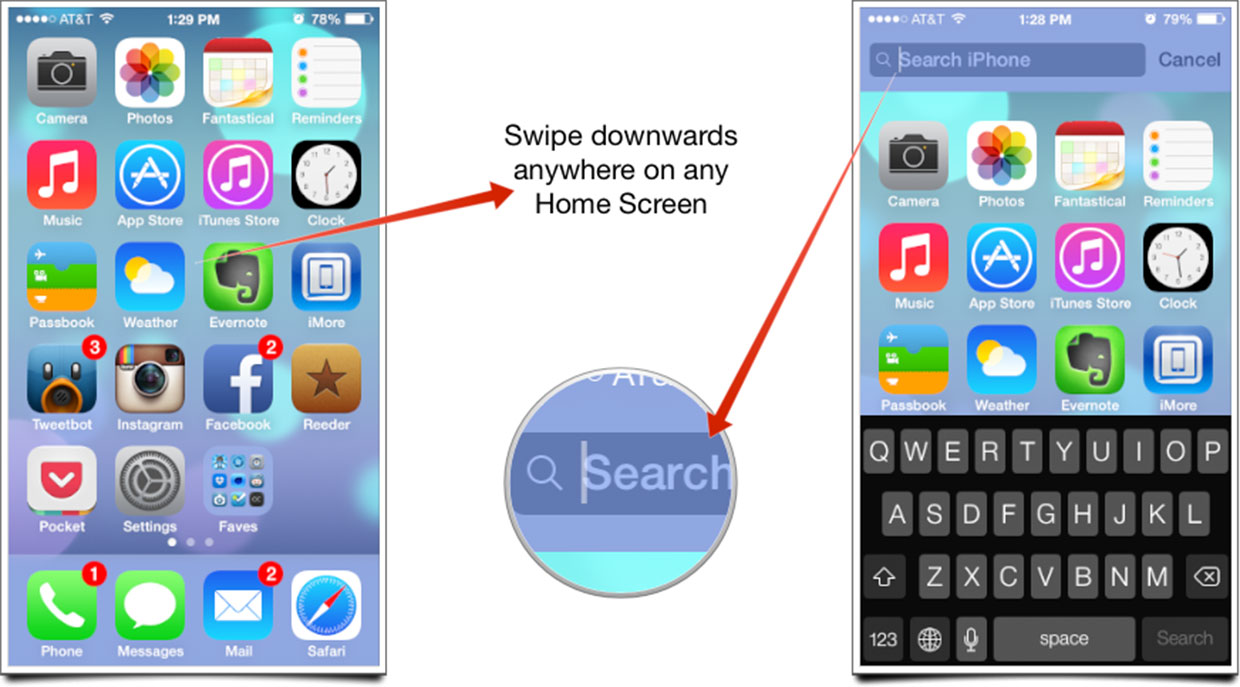
In the older versions of iOS, you could find the Spotlight Search feature by swiping all the way to the left. Search is no longer all the way to the left in iOS 7, but there is still a quick way to access search. Simply swipe your finger from the center of the screen to the bottom to pull up the Spotlight search bar at the top of the screen.
0 Comments